5 Critical Factors When Choosing Robot Programming Software for Manufacturing
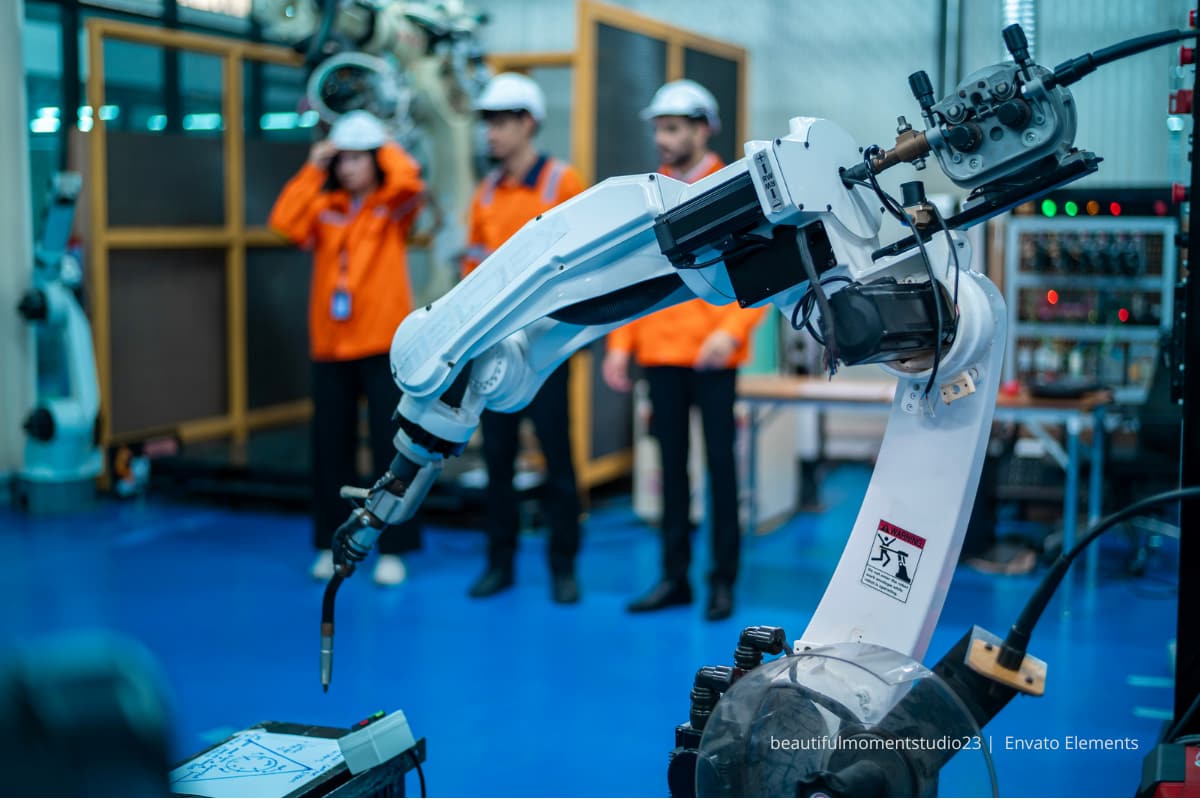
Engineers are often observed struggling to reprogram a robotic cell that should’ve taken 45 minutes. The culprit? Software that looked great in the demo but fell apart during actual production. This scenario plays out more often than you’d think in manufacturing facilities across the globe.
Selecting the right programming platform for robotic systems isn’t just about features and price tags. It’s about finding a tool that meshes with production reality, the team’s expertise, and business goals for the next 5-10 years. This article will walk readers through what actually matters when making this decision.
Understanding Your Production Needs and Robot Types
A crucial point most software vendors won’t tell users upfront: not all robot programming solutions work equally well across different applications. Companies frequently invest heavily in platforms that excel at welding but struggle with precision milling tasks.
Start by mapping out current and planned robotic applications. Are palletizing operations being run? Multi-axis machining? Assembly tasks? Each application has specific requirements. For instance, high-speed pick-and-place operations need software with rapid trajectory calculation capabilities – these are cycle times that can make or break throughput targets.
The robot brands in a facility matter too. Some programming environments are manufacturer-specific (think ABB RobotStudio or KUKA.Sim), while others offer multi-brand support. If a mixed fleet is being run – say, Fanuc robots for material handling and Universal Robots for assembly – multi-language software is necessary.
A reality check from the production floor: One facility had six different robot brands. The initial choice of brand-specific software created data silos and forced technicians to learn multiple programming environments. When they switched to a universal platform, programming time dropped by nearly 40%. The production mix will dictate whether specialized or universal software makes more sense.
Compatibility with Existing Hardware and Systems
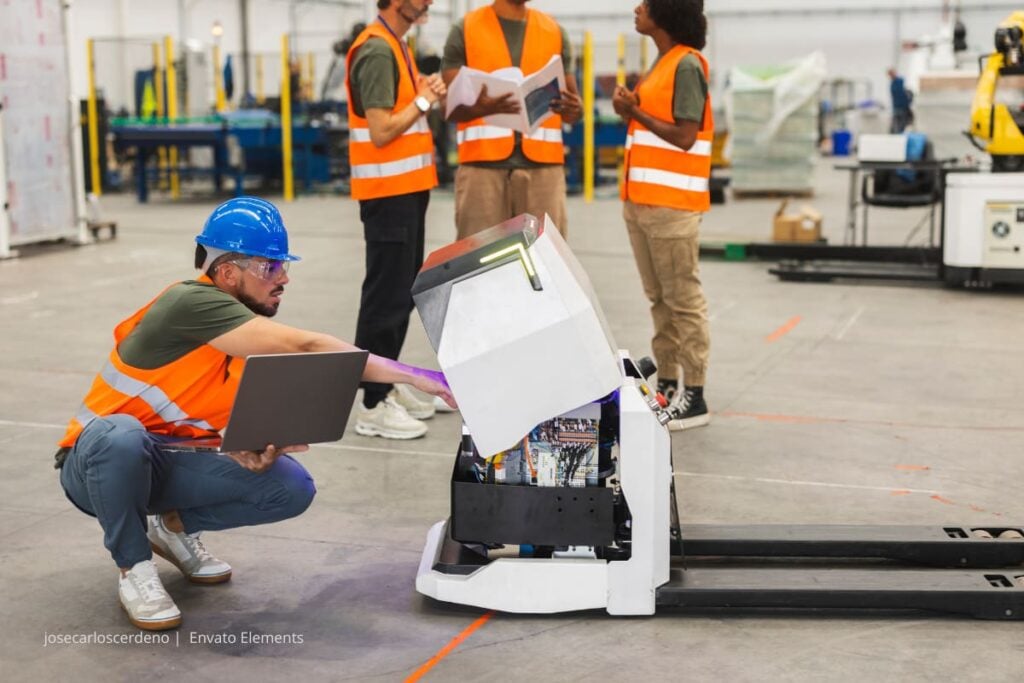
This is where things get technical – and honestly, where many purchasing decisions go sideways. Robot programming software doesn’t exist in a vacuum. It needs to communicate with CNC controllers, CAD systems, MES platforms, and potentially dozens of other tools in the digital ecosystem.
Check the supported file formats carefully. Can the software import CAD files directly? Does it support STEP, IGES, or whatever format the design team uses? Projects are often delayed by weeks because the programming software couldn’t properly read complex geometries from the engineering department.
Post-processor compatibility is another make-or-break factor. The software needs to generate code that the specific robot controller understands – not just generic G-code, but controller-specific instructions that account for kinematic limitations and safety zones. Some platforms like robot programming software have addressed this by including extensive post-processor libraries that cover most major robot brands and controller versions, but the specific hardware still needs to be verified as supported.
Here’s what to test during evaluation:
- Import a real CAD file from the production pipeline
- Generate robot code and verify it runs on the actual hardware
- Check if the software can handle the cell layout, including external axes and positioners
- Confirm it supports the preferred coordinate systems and work piece mounting setups
Don’t just rely on vendor claims. Get hands dirty with actual test scenarios.
User Interface and Learning Curve Considerations
A key question is: how long will it actually take a team to become productive?
The interface makes a massive difference. A comparison of two solutions often reveals a contrast. One might have every feature imaginable but require 20 clicks to do basic tasks. The other may have a cleaner, more intuitive workflow that let less experienced programmers create working programs in days rather than weeks.
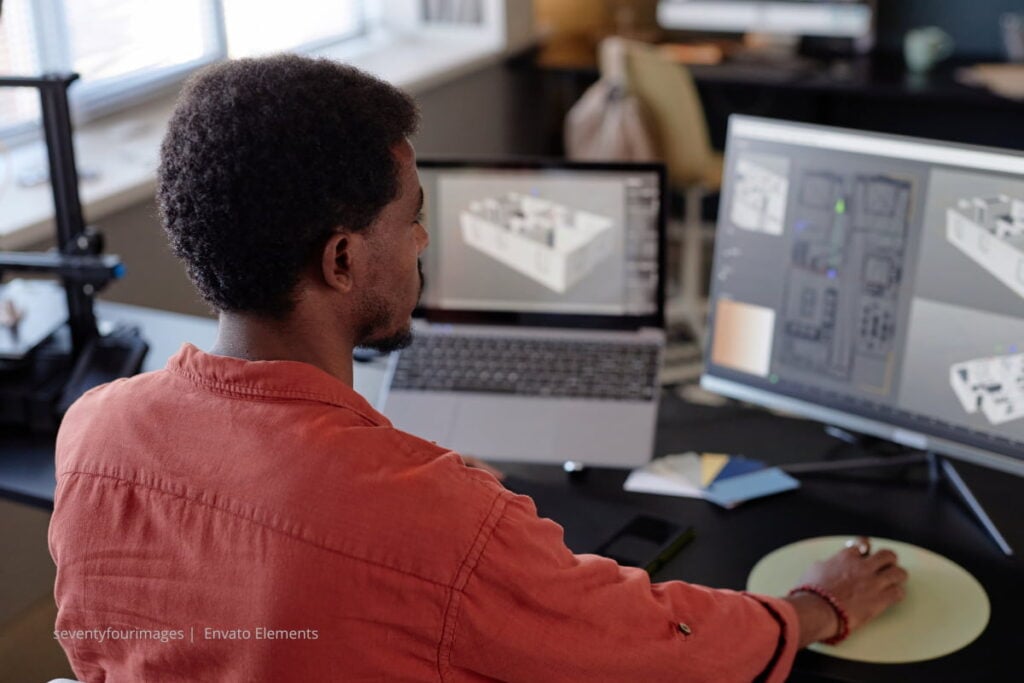
Look for visual programming capabilities when possible. Modern solutions use 3D simulation environments where robot positions can be taught graphically rather than typing coordinates. This dramatically reduces the learning curve, especially for operators transitioning from teach pendant programming.
But here’s the catch: simpler isn’t always better. If applications require complex path planning or advanced collision avoidance, software with enough depth to handle those scenarios is required. The sweet spot is a tool that’s approachable for beginners but doesn’t limit experts.
Consider the team’s background too. If a company has experienced CNC programmers, software with CAM-style workflows will feel familiar. If the team comes from a robotics background, they’ll adapt faster to robot-native programming environments.
One facility sent its top programmer to a week-long training session. The programmer came back frustrated because the software vendor’s training focused on features rather than real-world workflows. Make sure any platform chosen offers practical, application-specific training – not just feature tours.

Simulation Capabilities and Offline Programming
This is where the ROI really shows up. Offline programming and simulation capabilities can reduce robot downtime from hours to minutes per program change.
Good simulation goes beyond just moving a 3D model around. It needs to accurately model robot kinematics, check for singularities, detect collisions with fixtures and workpieces, and validate cycle times. One must be wary of “optimistic” simulations that showed 45-second cycle times turn into 75-second reality because the software didn’t account for acceleration limits and joint speed constraints.
Here’s what separates adequate from excellent simulation:
Reach analysis and workspace visualization – It is necessary to verify that the robot can actually reach all required positions without joint limit violations. Color-coded reachability maps make this visual and intuitive.
Collision detection – Not just basic geometric interference, but zone-based collision checking that accounts for robot motion blur during high-speed moves. Some software can even optimize paths automatically to avoid potential collisions.
Cycle time accuracy – The simulation should use the robot’s actual motion parameters. A 10% variance between simulated and real cycle times might seem acceptable, but when capacity is being planned for thousands of parts, those differences compound quickly.
Path optimization – Advanced platforms can automatically smooth trajectories, reorder operations, and adjust approach angles to minimize cycle time while maintaining process quality.
Offline programming can significantly reduce robot programming time, for example, by 60%. Instead of having the production cell idle while positions are taught, the programming work can be done on engineering workstations. The robot only needs to go offline for the final verification run.
Support, Documentation, and Community Resources
This is the factor that often gets overlooked during selection but becomes critical when a team is stuck with a problem at 2 AM before a production deadline.
Vendor support quality varies wildly. Some companies offer 24/7 technical assistance with engineers who actually know robotic applications. Others… well, the user may spend more time on hold than getting answers. During evaluation, test their support responsiveness. Call with a technical question and see how quickly a knowledgeable person is reached.
Documentation matters more than may be thought. Look for:
- Searchable online knowledge bases
- Video tutorials for common tasks
- Application-specific programming guides
- Troubleshooting flowcharts for common issues
The best platforms have active user communities. Forums, LinkedIn groups, or dedicated user conferences where programmers share tips and solutions. Users often learn more useful tricks from other users than from official documentation sometimes. It’s like having hundreds of experienced colleagues to ask for advice.
Update frequency is another tell-tale sign. Software that gets regular updates with bug fixes and new features shows the vendor is actively developing and supporting the platform. If the last update was 18 months ago… that’s a red flag.
Finally, consider the vendor’s long-term stability. A company is not just buying software – it is potentially committing to a platform for the next decade. Is the company financially stable? Are they investing in R&D? Do they have a clear product roadmap?

Making the Final Decision
After these five factors are evaluated, the following advice is key: don’t just go with the biggest name or the cheapest option. The right choice depends on a specific situation – the robot mix, team capabilities, application requirements, and budget constraints.
If possible, run a proof-of-concept project before committing. Take a real production part, program it in the candidate software, and run it on the actual hardware. Issues will be discovered during this process that no demo or sales pitch will reveal.
And remember – the “best” software is the one that the team will actually use effectively. A feature-packed platform that nobody understands is worse than a simpler tool that gets the job done reliably, day after day.
Robot programming software isn’t just a tool – it’s the foundation of an automation strategy. Choose wisely, and productivity gains will be unlocked that compound over years. Rush the decision, and workarounds and frustrations will slow down every project.
Take the time to evaluate properly. The team will thank proper evaluation for it.
You may also read: Blackrock vs Blackstone: the differences between these two financial powerhouses